
Freightools has two different email-connection concepts. A user's personal email connection and a company's Email Settings channel are separate configurations and should not be treated as the same mailbox.
Personal email connection
The personal connection belongs to one Freightools user.
- Open the user menu and select Profile.
- Under Security, open Email Connection.
- Connect that user's mailbox with Connect with Microsoft or the Manual Configuration fields.
- After connection, the user can open the mailbox from the envelope icon in the top navigation.
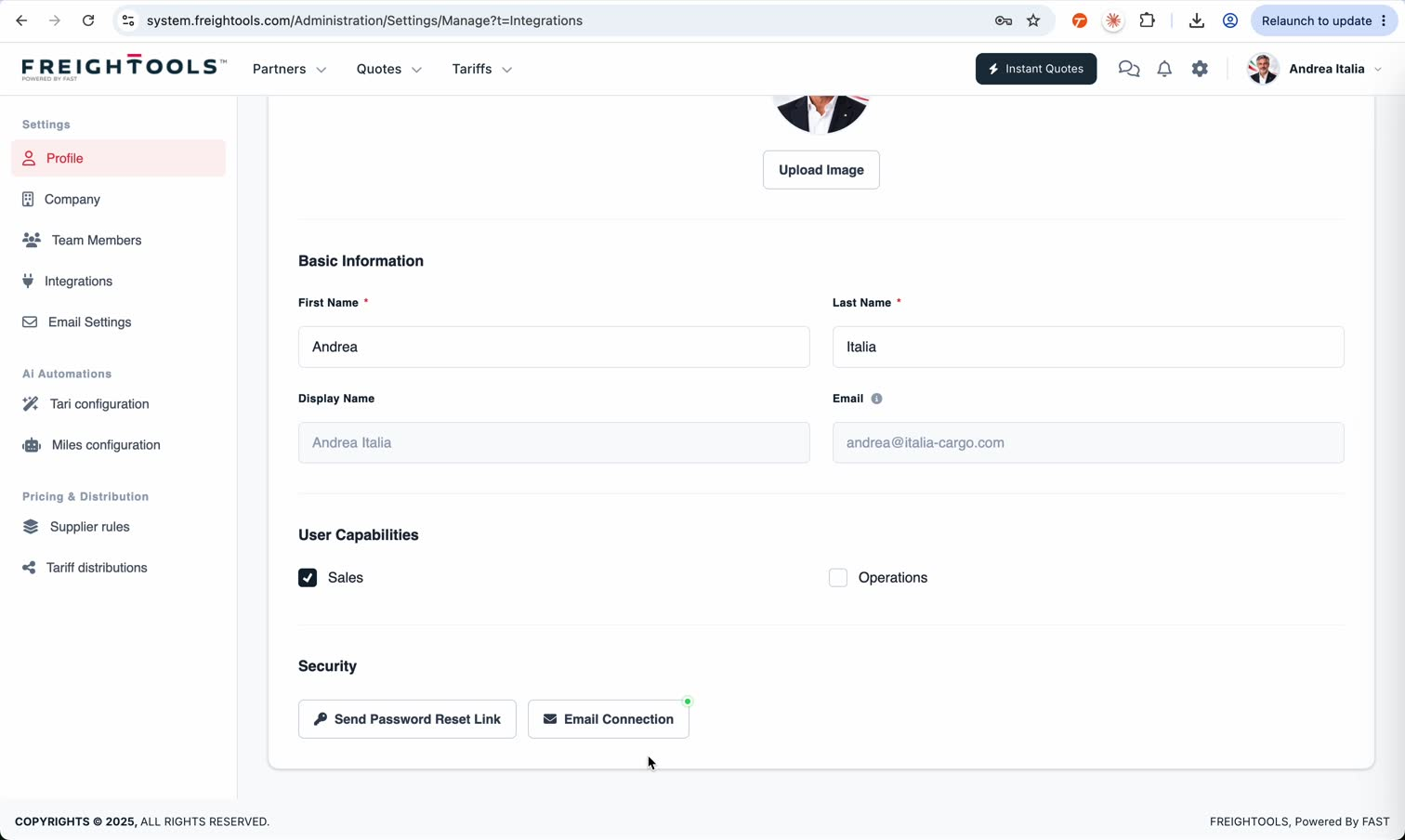
This is the mailbox used for the user's email client inside Freightools. It contains that user's Inbox, Sent, Drafts, Trash and other mailbox views.
Company email channels
Company email channels are configured under Settings → Email Settings. The page itself describes these as connected email channels for AI services.
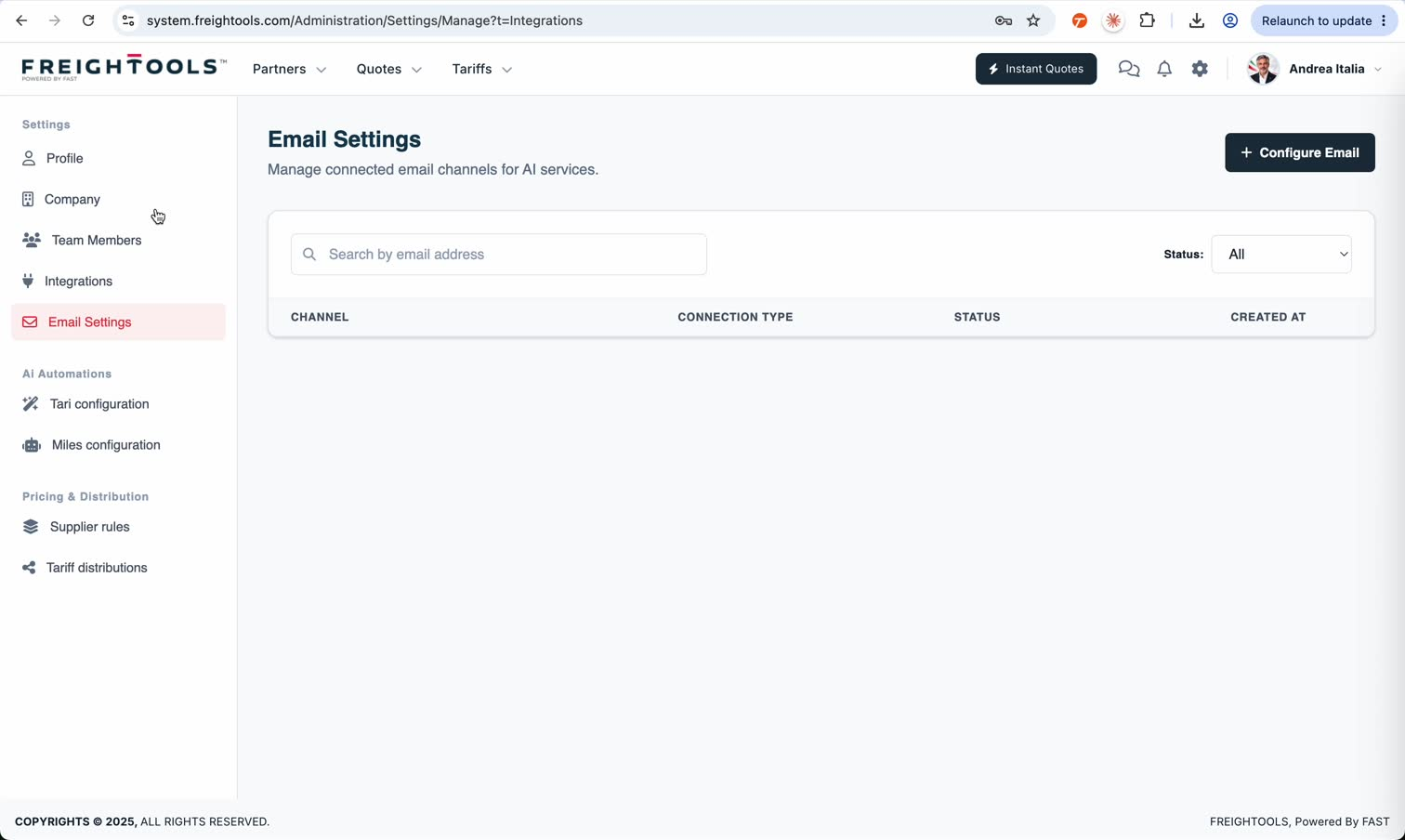
A company channel can be a shared address such as a quotation or tariff mailbox. It is the company-level channel used by the relevant AI workflow and the Incoming Quote Requests area.
The key difference
Connecting a personal mailbox does not configure the company email channel above Incoming Quote Requests. In the recorded demo, the personal mailbox is available while the dashboard still shows No channel configured above Incoming Quote Requests.
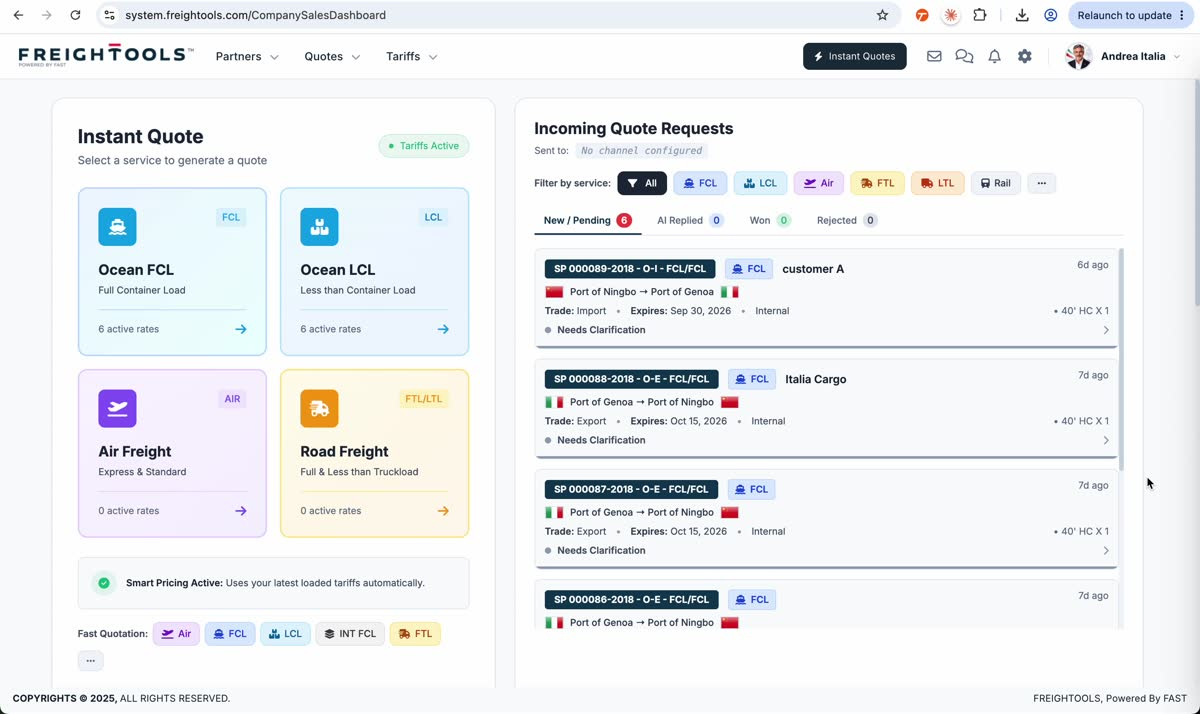
Use /help/how-to-connect-your-email-to-freightools when the problem is with your own mailbox. Use the company Email Settings configuration when the problem concerns the shared channel used by AI services or Incoming Quote Requests.